

Viewing Your Tasks
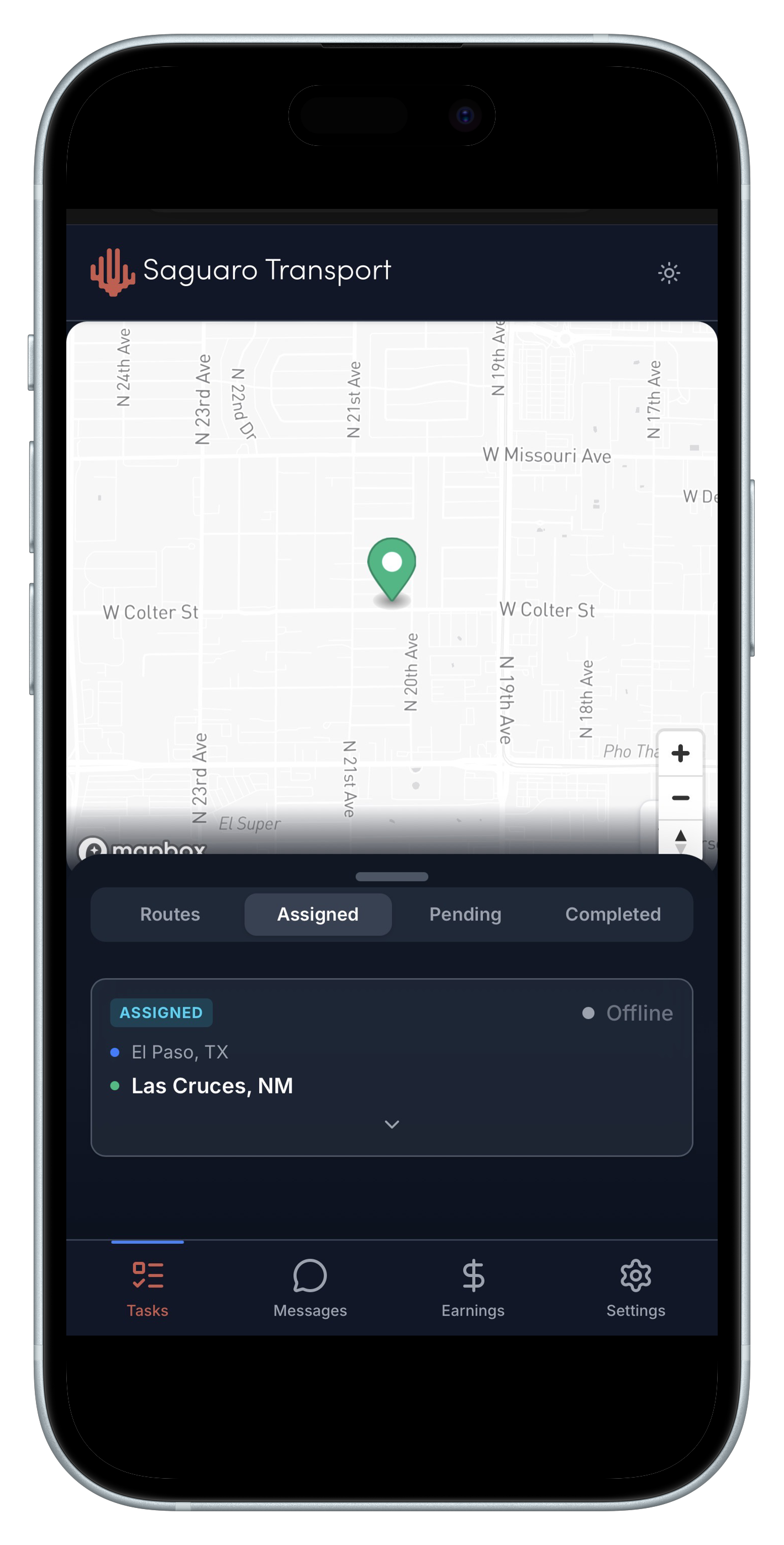
Your task list shows all assigned deliveries. Each task displays:- Task ID - Unique identifier
- Type - Freight, Documents, RX, etc.
- Priority - Color-coded by urgency
- Addresses - Pickup and delivery locations
- Time Window - When delivery is expected
Task Workflow
1. Accept Task
When assigned a new task, review the details and tap Accept to confirm.2. Start Route
Tap Start to begin navigation to the pickup location. The app will provide turn-by-turn directions.3. Arrive at Pickup
When you arrive, tap Arrived to notify dispatch. Load the cargo and verify details.4. Depart for Delivery
Tap Picked Up to mark cargo loaded. Navigate to the delivery address.5. Complete Delivery
At the destination:- Tap Arrived at Destination
- Deliver the goods
- Capture proof of delivery
- Tap Complete
Handling Issues
If you encounter problems:- Use the Report Issue button
- Message dispatch directly
- Document with photos if needed