> ## Documentation Index
> Fetch the complete documentation index at: https://docs.saguarotransport.com/llms.txt
> Use this file to discover all available pages before exploring further.
# Driver Portal Overview
> Guide for drivers using Saguaro Transport
## Driver Portal
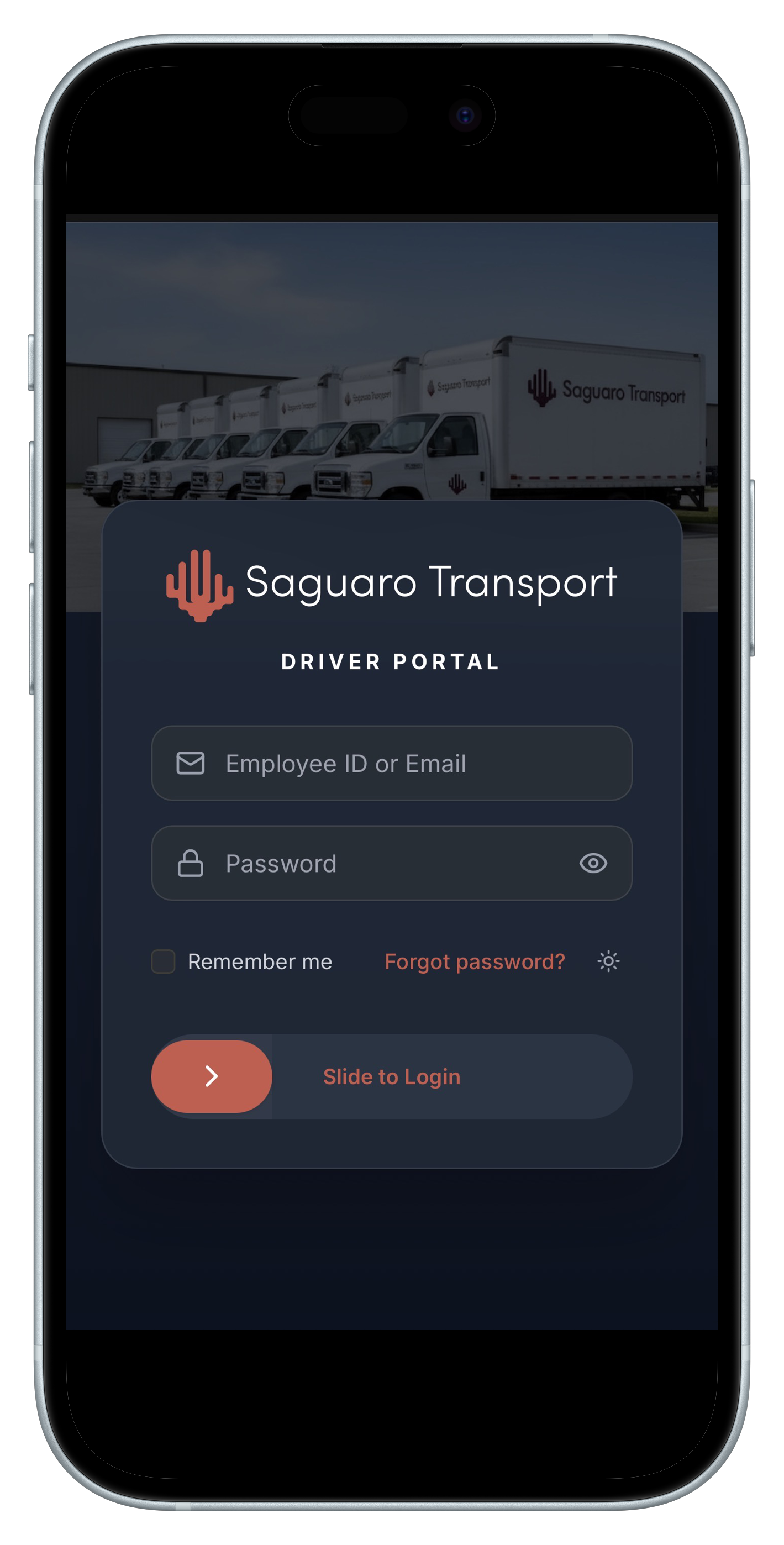
The Driver Portal is your mobile command center for managing deliveries, capturing proof of delivery, and communicating with dispatch.
 ## Key Features
### Task List
View all your assigned tasks with:
* Pickup and delivery addresses
* Priority levels and time windows
* Special instructions
* Customer contact information
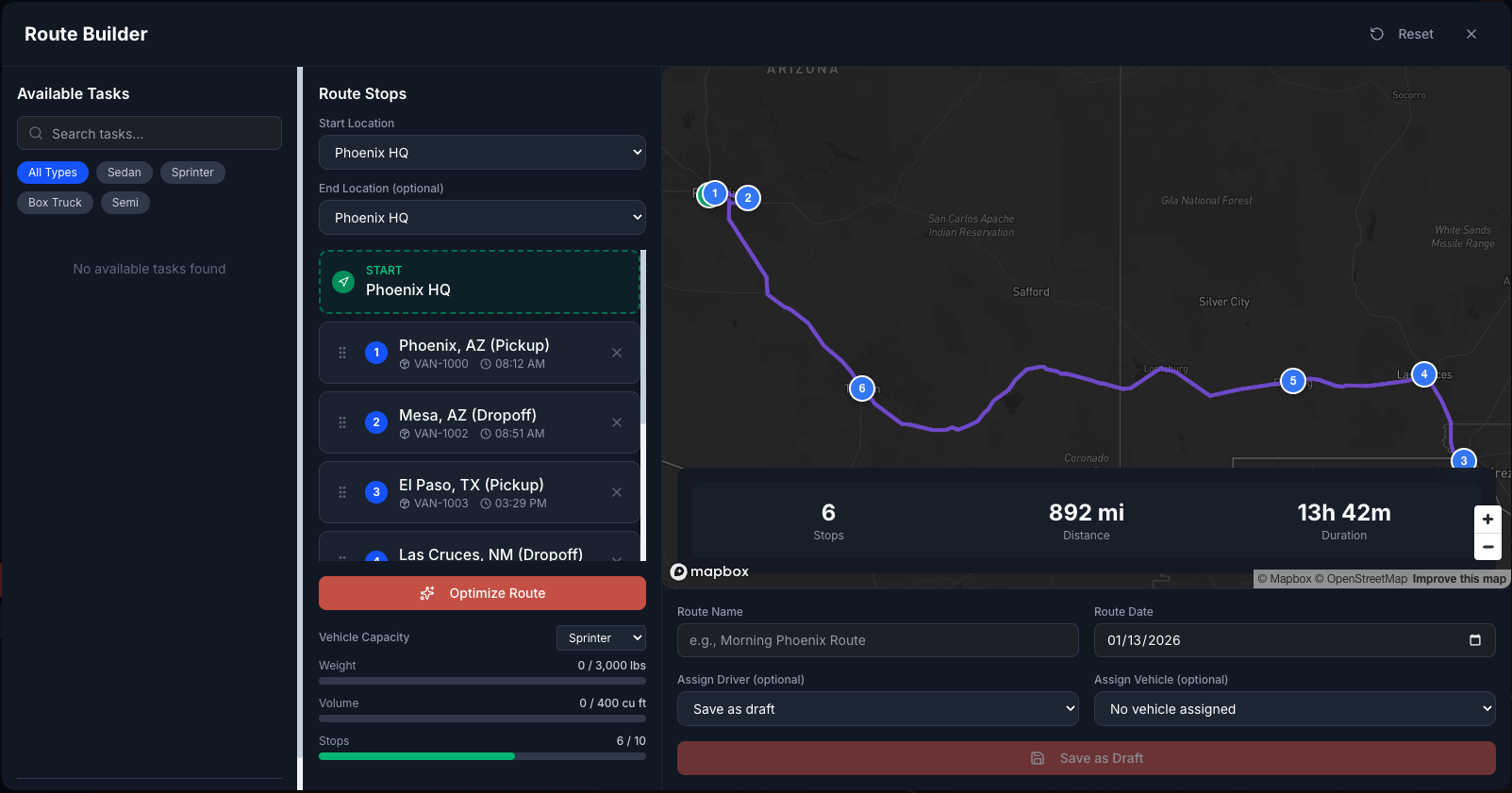
### Route Optimization
Get smart route suggestions:
* Optimized stop order
* Turn-by-turn navigation
* Real-time traffic updates
* ETA calculations
## Key Features
### Task List
View all your assigned tasks with:
* Pickup and delivery addresses
* Priority levels and time windows
* Special instructions
* Customer contact information
### Route Optimization
Get smart route suggestions:
* Optimized stop order
* Turn-by-turn navigation
* Real-time traffic updates
* ETA calculations
 ### Proof of Delivery
Capture delivery confirmation:
* Digital signature capture
* Photo documentation
* Barcode/QR code scanning
* Timestamped location records
### Messaging
Stay connected with dispatch:
* Receive task updates
* Send status messages
* Report issues or delays
## Offline Mode
The Driver Portal works even without internet connection:
* View assigned tasks offline
* Capture proof of delivery
* Auto-sync when connection returns
### Proof of Delivery
Capture delivery confirmation:
* Digital signature capture
* Photo documentation
* Barcode/QR code scanning
* Timestamped location records
### Messaging
Stay connected with dispatch:
* Receive task updates
* Send status messages
* Report issues or delays
## Offline Mode
The Driver Portal works even without internet connection:
* View assigned tasks offline
* Capture proof of delivery
* Auto-sync when connection returns